
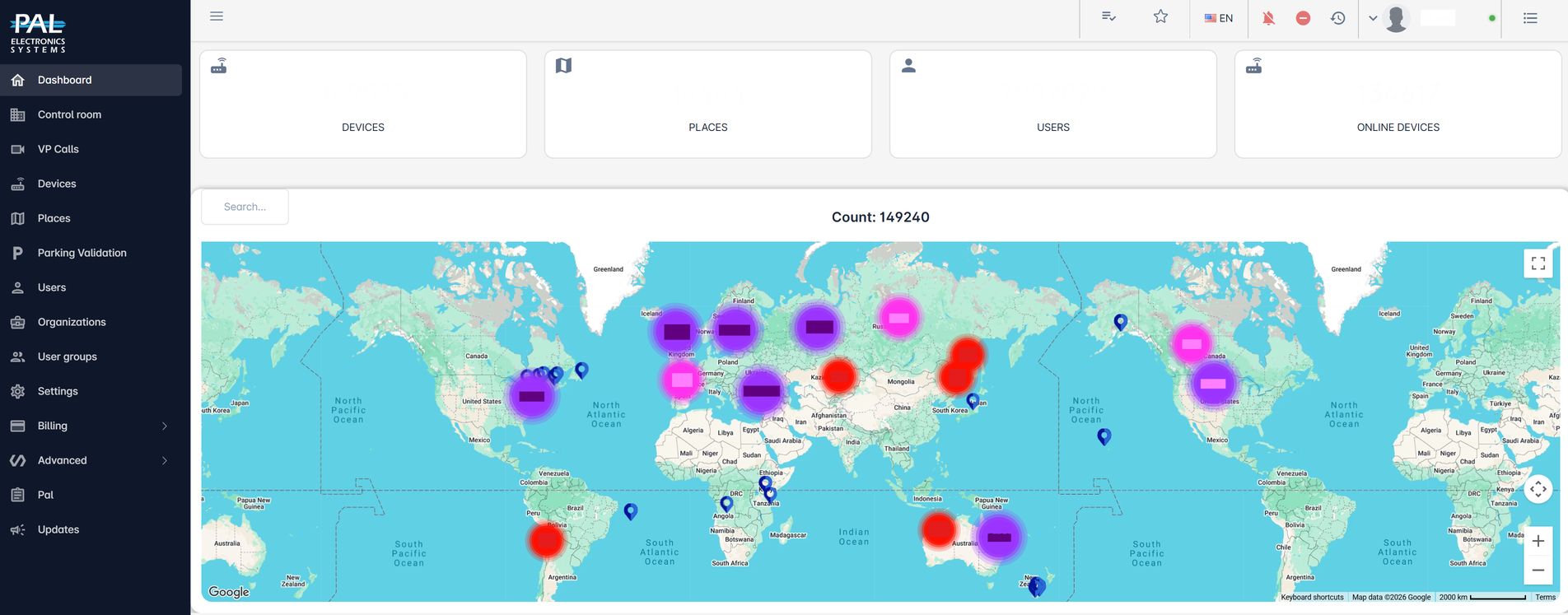
Web Management Portal
Every device. Every user. Full control.
The PAL Web Portal gives distributors, installers and system managers one place to manage connected access.
Configure devices, manage users and permissions, monitor activity, analyze system performance and diagnose technical issues remotely — across one installation or multiple sites.
One portal for your entire installed base.
Manage connected PAL devices, users, organizations and access points through a single cloud-based platform. Whether you manage one site or thousands of installed devices, the Web Portal gives you centralized visibility and control from anywhere.
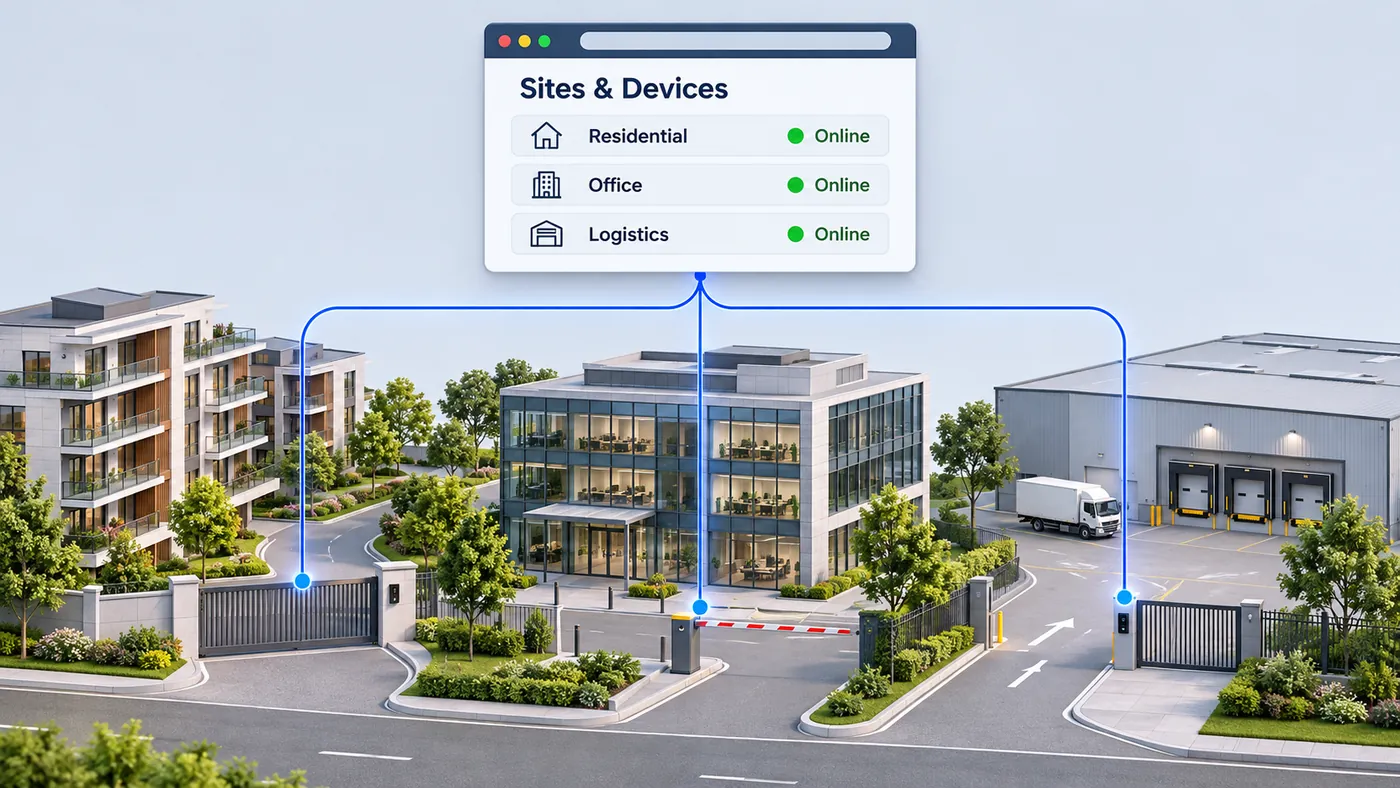
Configure and support without going on site.
Manage device settings remotely through the Web Portal. Configure access, update permissions, monitor device status and investigate technical issues without unnecessary site visits. For installers and distributors, this means faster support, lower service costs and greater control over the installed base.
Know what’s happening as it happens.
Monitor connected devices and access points in real time. View device status, inputs, outputs, connectivity and activity from anywhere, helping operators and technical teams identify changes or potential issues quickly.
See the problem before going to the site.
PAL continuously provides technical information that helps installers understand device performance remotely. Monitor parameters including voltage, cellular signal strength, interference, connection status and reconnections, and analyze them over different time periods. This helps technical teams identify the likely cause of an issue before deciding whether an on-site visit is necessary.
Diagnose up to 85% of technical issues remotely.
Fewer unnecessary site visits. Faster support. Lower service costs.
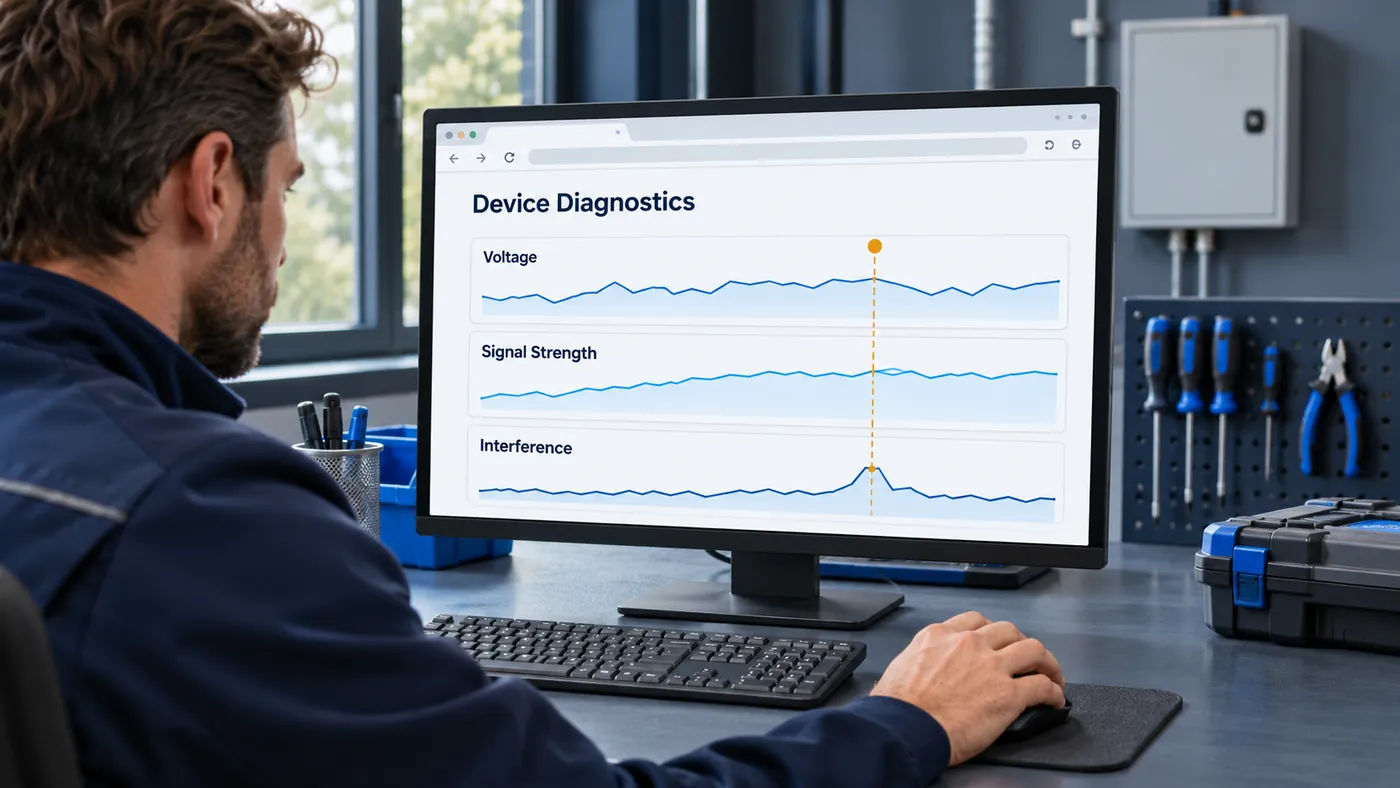
Turn device data into useful insight.
Interactive charts make it easy to understand system behavior and identify unusual patterns. Monitor individual parameters or compare multiple technical indicators in one view to understand what is happening at the installation.
Every action. Recorded.
Access activity and system operations are recorded in the cloud, giving managers and technical teams a clear history of what happened, when and on which device. Search and review events to investigate access activity, understand system behavior and support troubleshooting.
Know when something needs attention.
Receive notifications about relevant system events and device conditions, helping technical teams react faster when something changes. Monitor connected gates, barriers and doors remotely and stay informed without constantly checking the system.
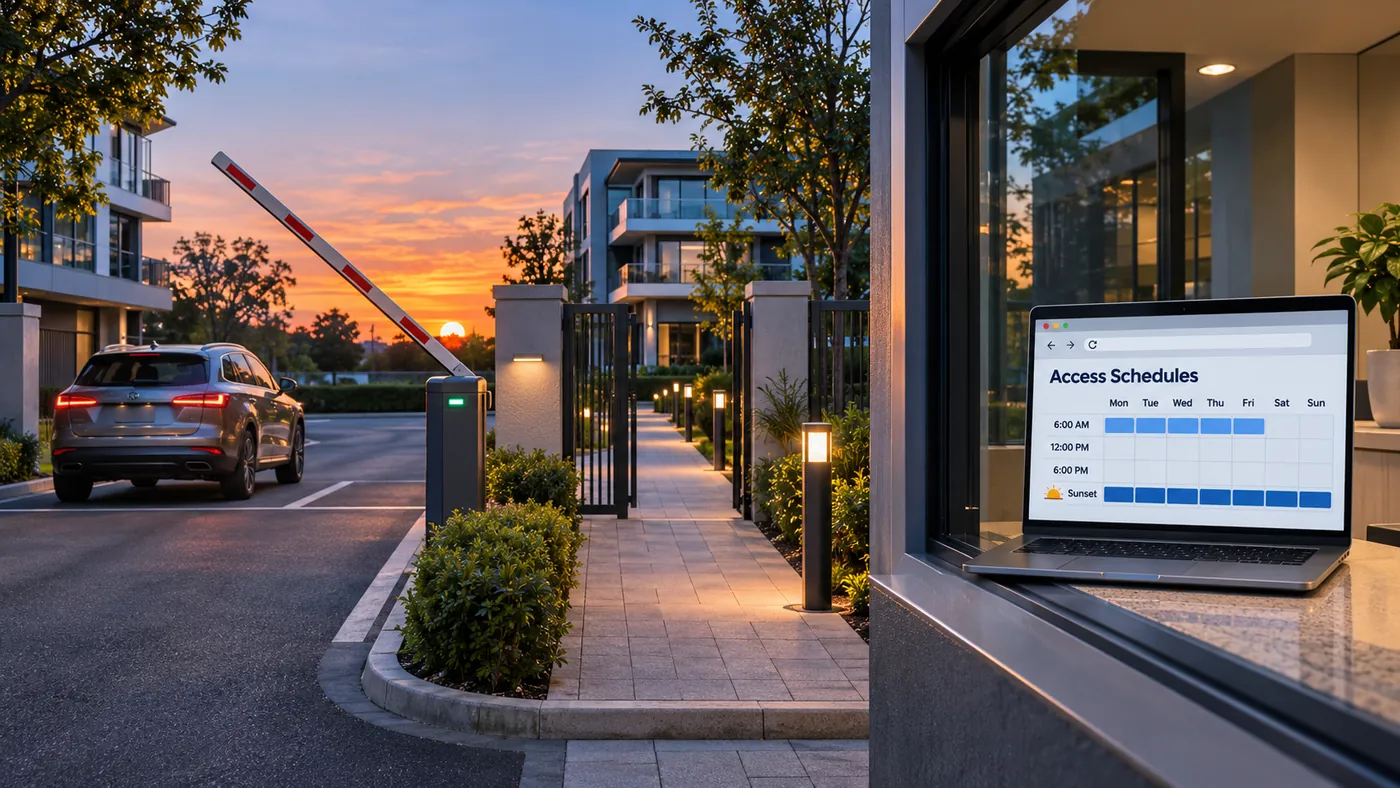
The right access. At the right time.
Create access groups and define exactly when users are permitted to enter. Permissions can be configured according to dates, days of the week and specific hours, giving managers flexible control for employees, residents, visitors, contractors and other user groups.
Automate access around your schedule.
Configure relay operations to happen automatically according to predefined schedules. Set specific days and time ranges for gates, barriers, doors or other connected systems to operate automatically — reducing manual intervention and keeping daily operations consistent.
Automation that follows sunrise and sunset.
Schedule relay operations according to sunrise or sunset, with configurable time offsets before or after each event. Ideal for lighting, gates and other applications that need to adapt automatically as daylight hours change throughout the year.
Prepare in advance. Install faster.
Devices can be configured before they even reach the installation site. Prepare the required configuration in the Web Portal, then power the device on at the site and let it receive its configuration automatically.
Less time on site. More consistent installations.
From activity to insight.
Create, analyze and export reports using system data. Filter the information you need, visualize activity through charts and export data for further analysis or sharing with your team.
More than remote access. A platform for managing your business.
For distributors and installers, the PAL Web Portal is not simply a configuration tool. It provides ongoing visibility over the devices and customers they support.
From installation and configuration to monitoring, diagnostics and long-term support, everything stays connected through one professional platform.
Other products
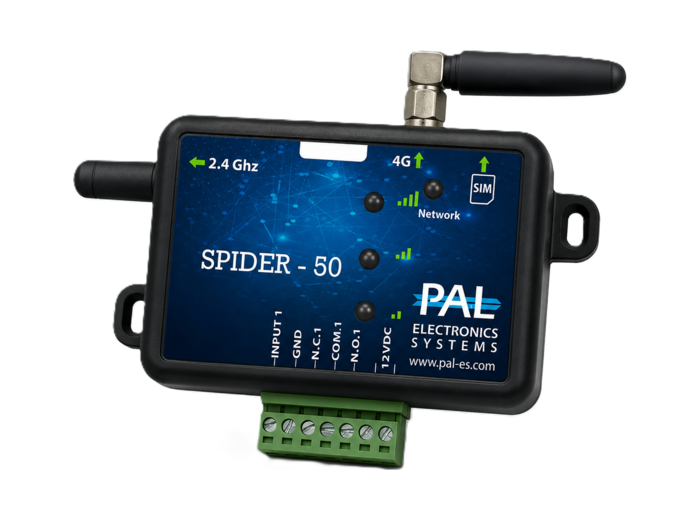
Spider
A versatile family of 4G smart controllers and wireless receivers designed to add connected access to existing automation — with models for different applications, including dual-relay and Wiegand 26 integration.
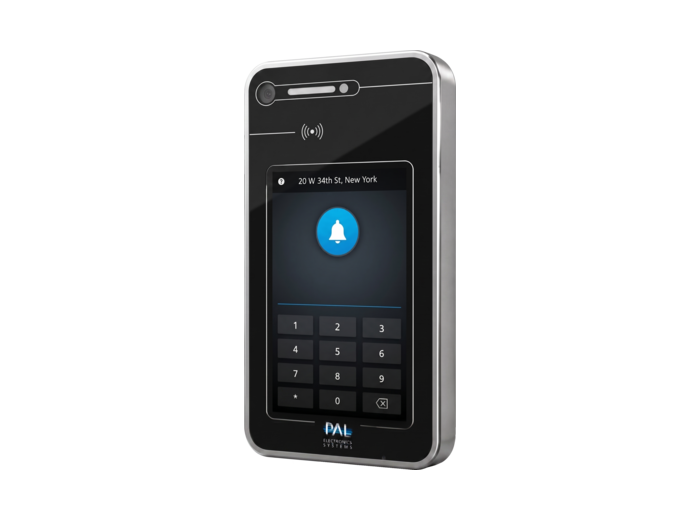
VPS
7-inch anti-vandal touchscreen video intercom for gates and buildings. See visitors, speak with them and open the entrance from the PalGate App, with access by app, NFC, RFID tag or keypad.
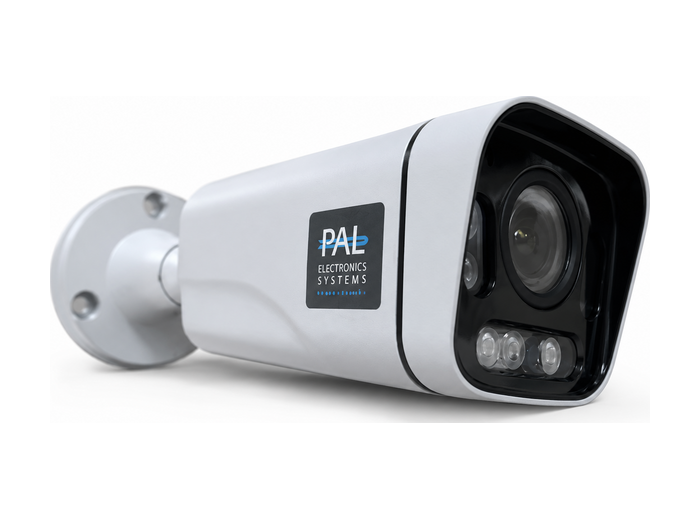
LPR System
License plate recognition for parking and gated access. Identify authorized vehicles, automate entry and keep a complete record of plate reads and images — with real-time management and reporting.
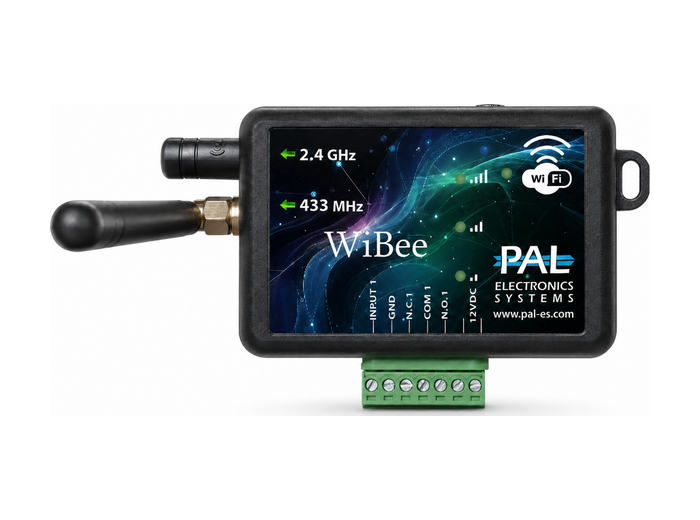
WiBee
Compact single-input, single-output controller with Wi-Fi and Bluetooth connectivity. Supports up to 4,000 smart 433 MHz remote controls, with quick setup and management through the PalGate App — no SIM required.
One Platform. Every Access Point. Full Control.
Manage remotely. Support faster. Reduce site visits. Stay connected to your installed base.